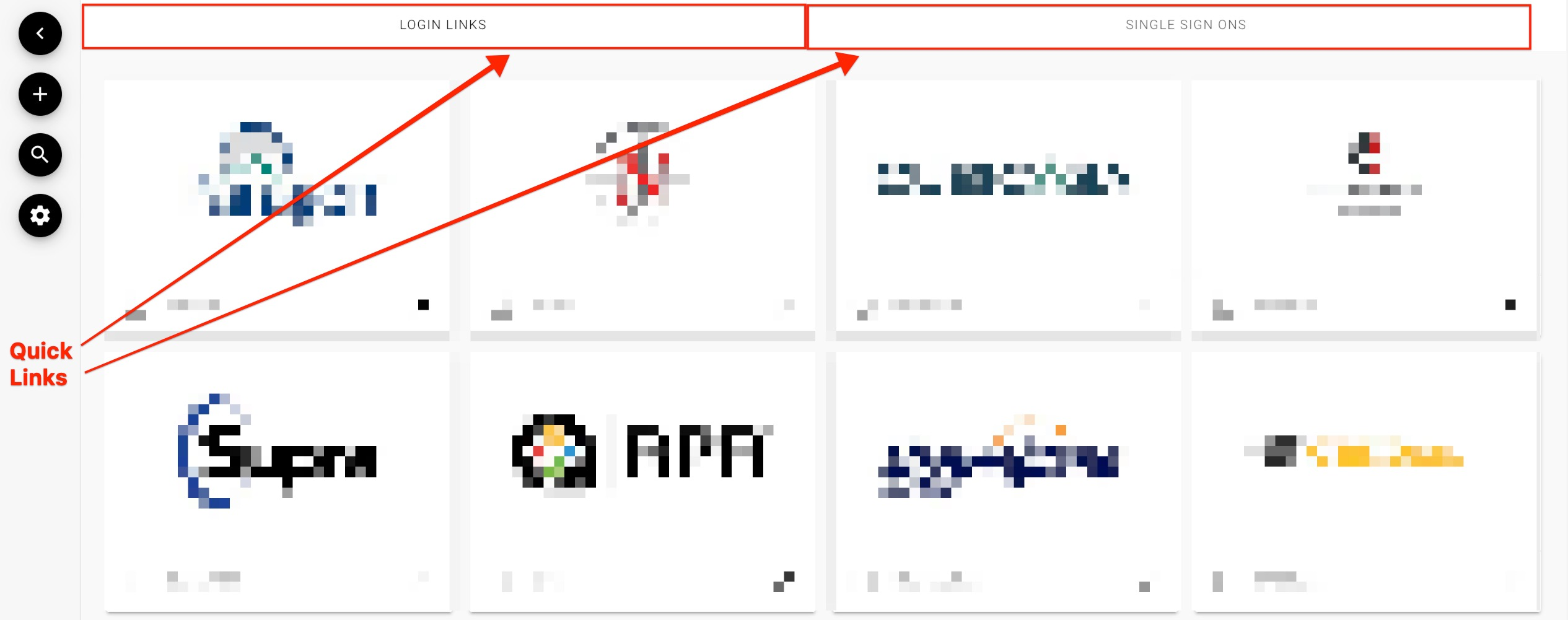
Once you log in your will be taken to The Dashboard.
From here you can click on a resource that you would like to use.
Some resources are Single Sign Ons and you will be taken to the resource website already logged in.
Other resources are Links so you will be taken to the login page for that resource.
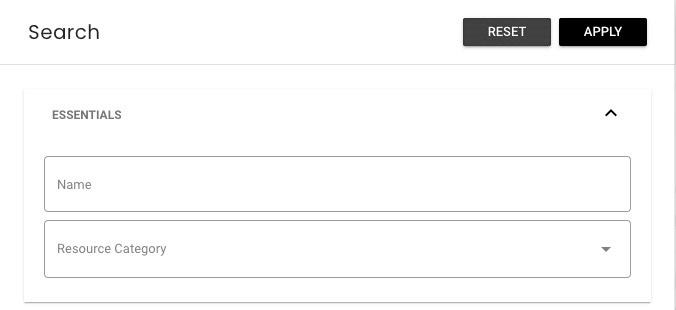
You can search for a resource by clicking the magnifying glass icon from the menu on the left.

Just type in the name of the resource you are looking for and then click apply.
You can also search by category by clicking the magnifying glass then using the drop down menu to select a category
Your MLS or Association my also have Quick Searches set up for you. If you see buttons at the top of the Dashboard you can click on those buttons to locate your resource.